Setting up an online benefits account is safe when you start at the official government site and get there by typing the address yourself. The risk does not come from the account. It comes from fake messages that pretend to be the agency and ask for your sign-in details.
This guide walks through both halves of the job: creating the account the careful way, and spotting the credential-phishing scams that target people who have one. The confirmed core of it is simple. The agency will not email or text you asking for your password or a security code. Any message that does is a scam by definition.
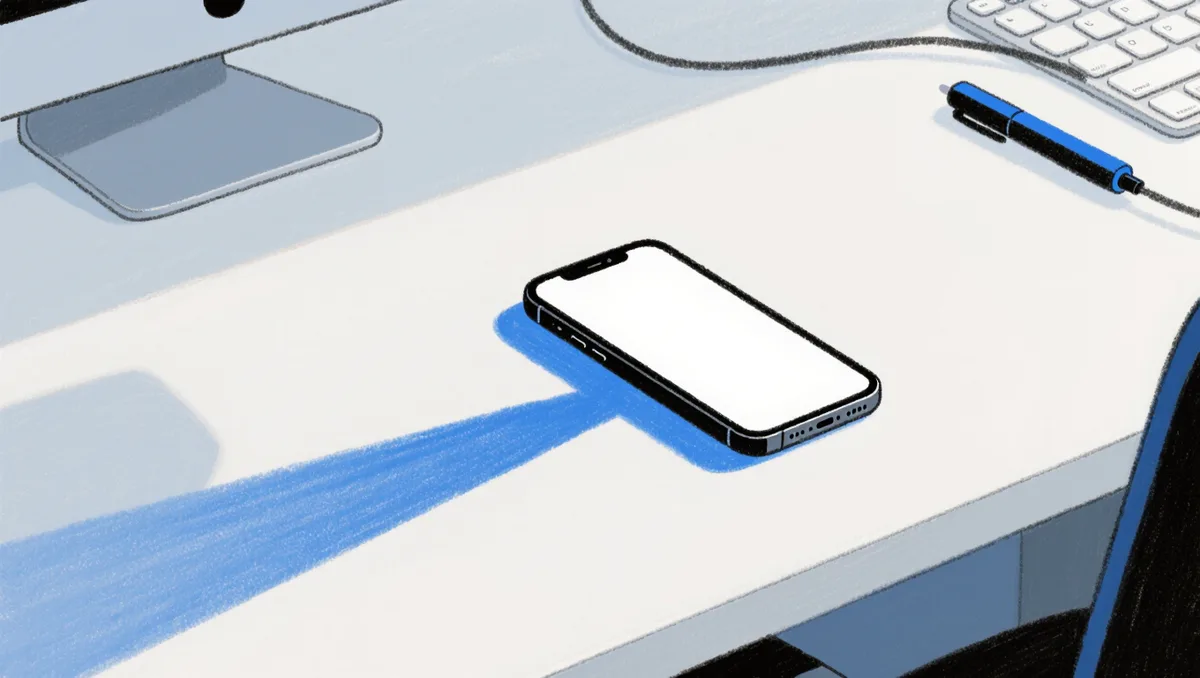
Before the steps, one habit worth building. Your own device is part of your security setup. As Microsoft's support documentation explains, the Settings hub on a Windows PC is where privacy and security options live, alongside a search bar that helps you find them quickly. Keeping your device current and its security settings on is the quiet groundwork for everything else.
How do you set up the account the safe way?
Start by navigating to the official website yourself. Type the agency's web address into your browser. Do not arrive through a link in an email, a text, or a social media post. That single habit defeats most phishing attempts before they start.
Once you are on the real site, look for the section for creating a personal online account. The process asks for information that proves who you are. It may involve verifying your identity through an official credential-checking service. Take your time with this part. Enter details exactly as they appear on your official records.
Create a password you have not used anywhere else. Reused passwords are the easiest win for scammers, because a breach at one site hands them the key to another. If the site offers an extra sign-in step, such as a code sent to your phone, turn it on. That way a stolen password alone is not enough to get in.
If you want the background on why this account matters, our explainer on how Social Security turns your work record into a monthly check covers the benefit side in detail.
What does a secure setup actually involve?
Security is not one step. It is a short stack of them, each cheap to do.
- Reach the official site by typing its address, never by clicking a link that arrived uninvited.
- Check the web address in your browser before signing in. Scammers rely on lookalike spellings.
- Use a unique password, stored in a password manager or somewhere safe offline.
- Turn on any extra verification the site offers.
- Keep your device's operating system and security settings up to date.
None of this is technical. It is mostly about refusing shortcuts. The scam industry runs on people in a hurry.
How do credential-phishing scams reach you?
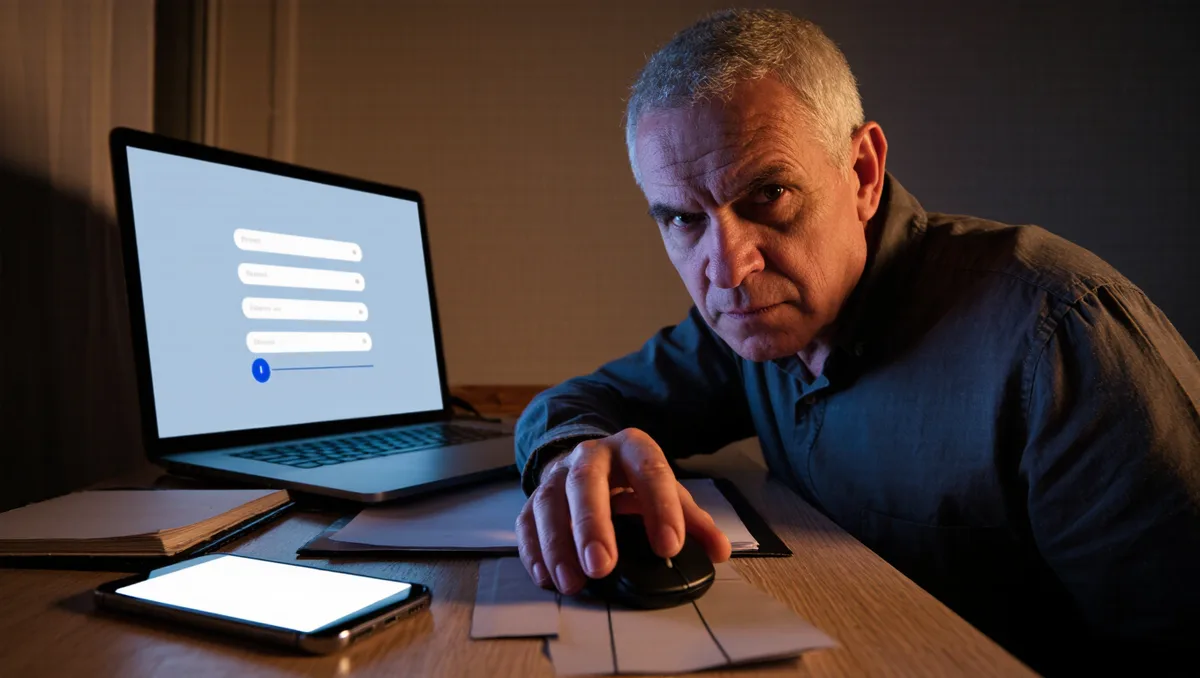
The standard play is a message that looks like an official notice. It says there is a problem with your account, or a payment waiting, or a suspicious sign-in to confirm. Then it gives you a link. That link goes to a copy of the real sign-in page, hosted by the scammer. You type your password. They collect it.
These scams work because they borrow trust. Our piece on fake news on LinkedIn explains how a professional-looking context lowers people's guard, and the same effect shows up here. An official-looking sender name does the same job as a business setting: it makes you stop questioning. This connects to our earlier piece, Fake News on LinkedIn: Why a Business Context Lowers Guard.
The reach is wide. Scams arrive by email, by text, and through social platforms. Our guide to verifying TikTok rumors starts from the same principle that applies to any viral claim, including fake agency warnings that circulate as screenshots: trace it to the original source before you act.
What are the warning signs of a fake benefits message?
The tells are consistent across scams, because the psychology is the same. Watch for these.
- Urgency. "Act now" or "your benefits will be suspended" is pressure, not process. Real agencies do not threaten you by text.
- A request for secrets. No legitimate message asks for your password, a one-time code, or full financial details. A code you were just sent is for you alone. Sharing it hands over your account.
- Odd senders. Check the actual address behind the display name, not just the name.
- Links that detour. Hover over a link on a computer and read where it really goes before touching it.
- Attachments. Unexpected files from an official-sounding sender are a classic delivery method.
One related trick deserves its own warning. Scammers sometimes send a fake alert that says someone tried to sign in as you, then follow up asking you to "confirm" your details. The alert is the bait. Our coverage of Instagram giveaway scams shows the same two-step shape: a hook that feels like good or alarming news, followed by a request that costs you.
Practical steps: a five-minute check
If you already have an account, run this quick review.
- Type the official address into your browser and sign in directly. If anything looks unfamiliar in your account, change your password from inside the real site.
- Confirm your extra sign-in step is active.
- Check that the contact details on the account are yours. A scammer who changed them can lock you out.
- Delete, do not reply to, any message that asked for your sign-in details.
If you gave a password to a fake page, change that password immediately on the real site, and change it anywhere else you reused it. Speed matters more than embarrassment. Reporting the message to the agency's fraud channel helps the next person too.
What the evidence supports, and what stays uncertain
What is well established: the safe path is direct navigation, a unique password, extra verification, and zero sharing of codes. What no guide can promise is a permanent fix. Phishing kits improve, and the fake pages get closer to the real thing every year. The defense that holds up is behavioral, not technical: slow down, verify the sender, and never hand a code to anyone who asked for it in a message.
The wider pattern is familiar to regular readers. Our explainer on why false claims spread faster than the corrections makes the same point at scale. The scam arrives instantly. The warning always comes later. Your best protection is the habit, built now, of checking where a message really came from.